Should you cut it in acrylic or metal?
Choose acrylic for colour, light and indoor display. Choose metal when the piece has to carry weight, face the weather or feel premium in the hand. A quick way to decide:
- Acrylic: reception logos, shop signs, display stands, letters, price holders, shapes for events. It can be UV printed in full colour after cutting.
- Stainless steel: outdoor signs, plates and parts that must not rust.
- Mild steel: brackets, frames and structural pieces that will be painted or powder coated.
- Aluminium: when you want metal but need it light.
- Brass: plaques, lettering and pieces where the warm gold colour is the point.
Not sure? Tell us where the piece will live and what it has to do. We cut all five, so we have no reason to push one.
What does laser cut work look like?
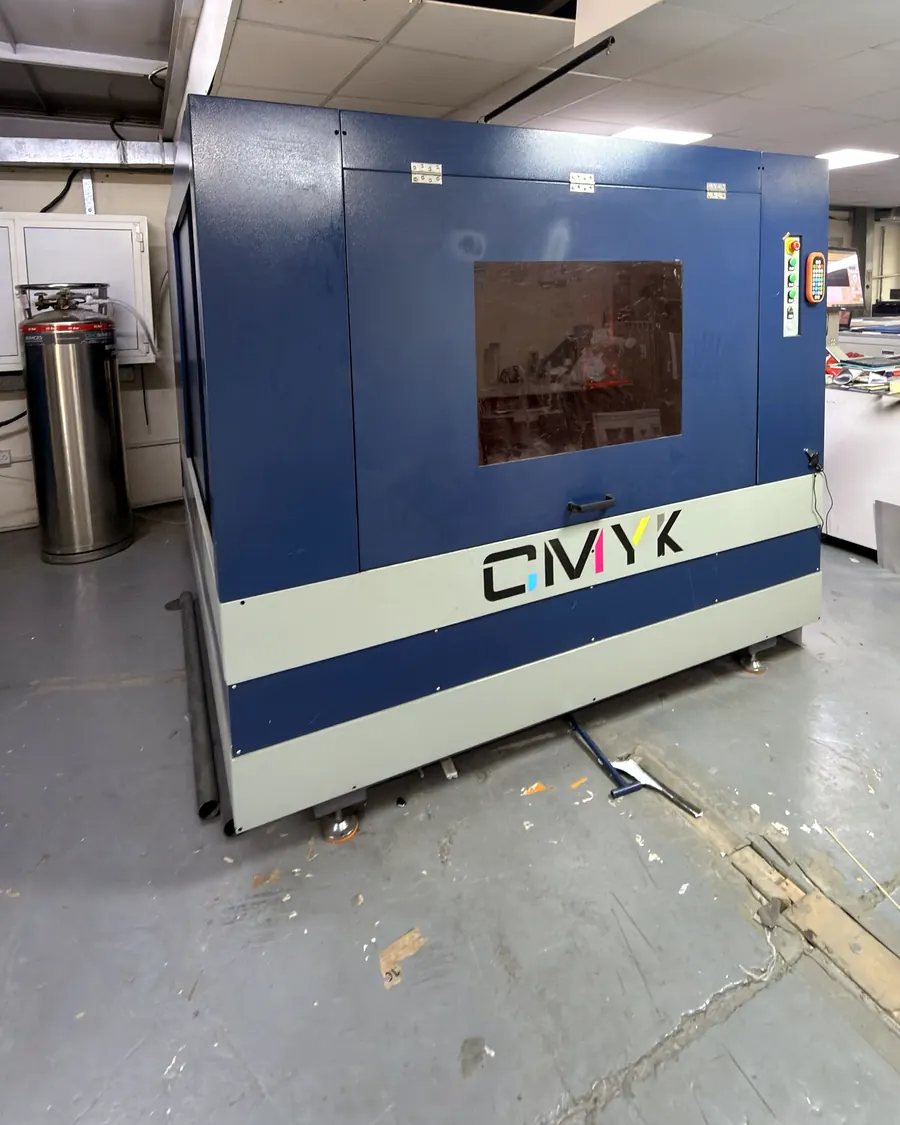
Here is our fibre laser cutting shapes out of a steel sheet in the Al Qusais workshop, and some of the pieces that have come off it.
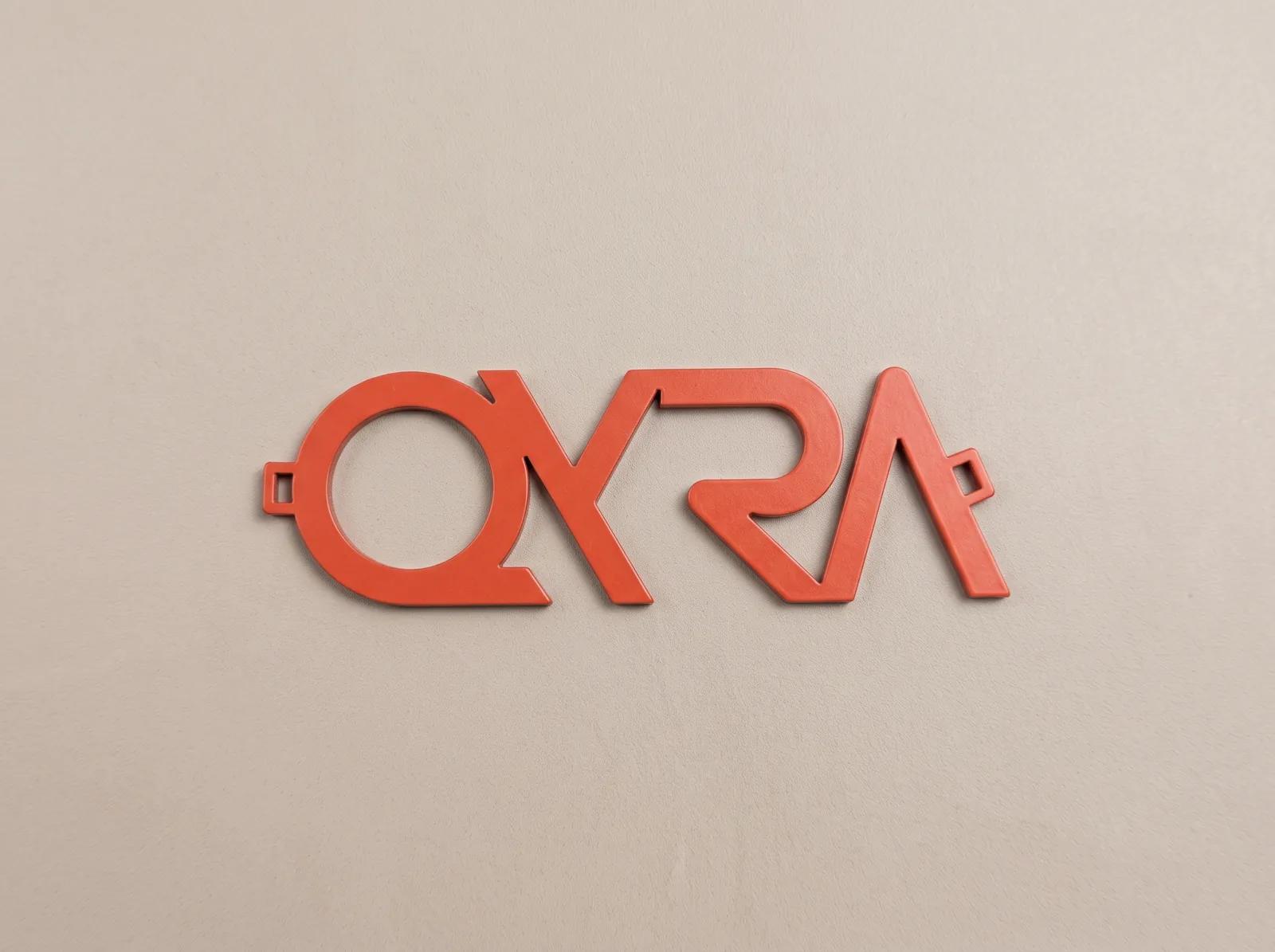
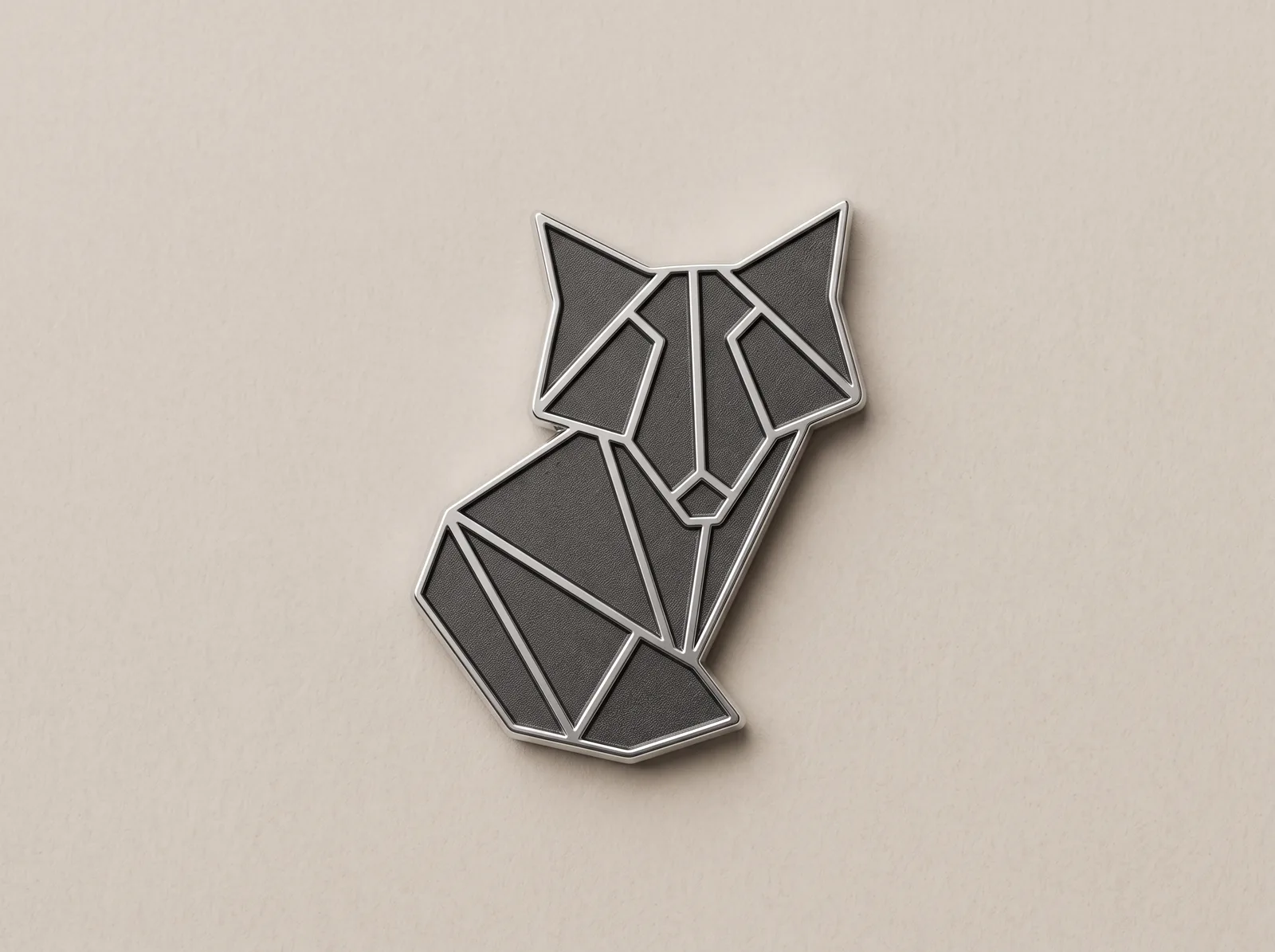
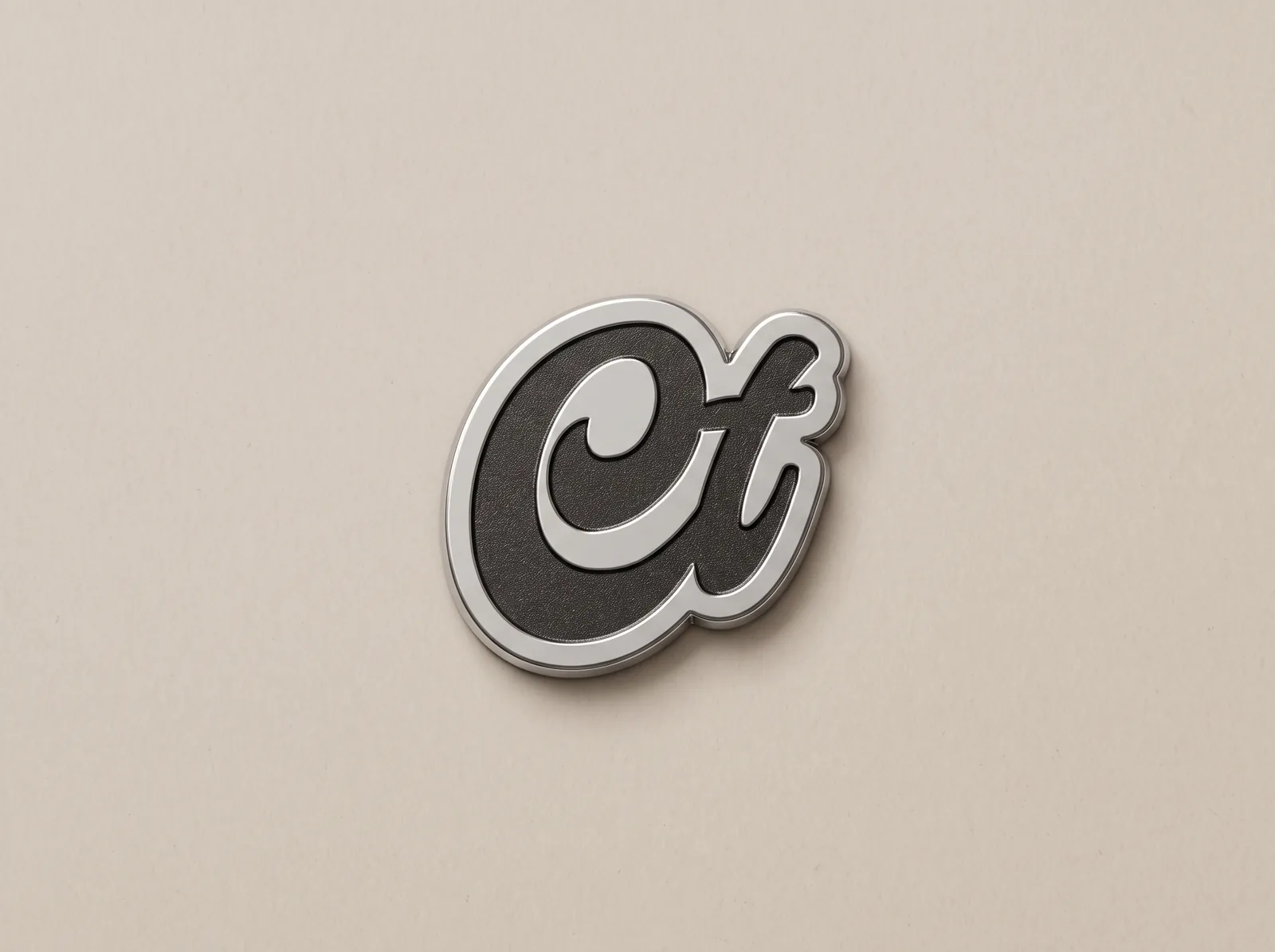
In acrylic, see the raised 3D letters we made for the staff corridors at Rixos The Palm Dubai and the stepped acrylic counter display for Frudia, finished with stickers and UV printing.
How thick should the material be?
As thin as the job allows. Thicker material costs more, weighs more and takes longer to cut, so go thicker only where strength or a solid look is needed. We cut every material up to 15 mm.
As a rough guide for common jobs:
- Wall logos and lettering: thicker acrylic gives the letters depth and a shadow on the wall. Thin sheets can look flat from across a room.
- Name plates and tags: thin metal or acrylic is enough, since they are screwed or stuck flat to a surface.
- Parts that carry load: ask your engineer or fabricator for the thickness. We cut to the specification you give us.
How big can a laser cut piece be?
On our machines, acrylic up to a full 122 x 244 cm sheet, and metal pieces up to 150 x 150 cm, which is the size of our metal laser's cutting bed.
For anything bigger, such as a long fascia sign, the design is usually split into sections that join on the wall. If your piece is near those limits, send the overall size with your file and we will say how we would split it.
What file do you need for laser cutting?
An AI (Adobe Illustrator) file. A laser follows lines, not pixels, so a JPG or a screenshot of a logo cannot be cut as it is. Before you send the file, these checks save a round of back and forth with any laser shop:
- Draw it at real size. Set the artboard in centimetres or millimetres and draw the piece at the size you want it cut.
- Turn text into outlines. Otherwise the font may change when the file is opened on another computer.
- Close every shape. An open path has no inside, so the laser cannot tell what to cut out.
- Remove what is not being cut. Guides, notes, mockup photos and duplicate lines stacked on top of each other.
- Watch the small details. Very thin parts and tiny gaps can be weak or get lost, especially in thick material.
Only have a PDF, a sketch or a photo of an old sign? Send it anyway. We will check it with your quote and tell you if it needs redrawing.
Can you laser cut wood?
No, we do not cut wood. We do laser engrave it, so a logo or text on a wooden plaque, box or coaster is something we can do. For cut shapes, acrylic is the closest alternative we offer, and it can be UV printed in full colour.
Can a cut piece leave with a logo already on it?
Yes. We laser engrave, UV print and screen print in the same workshop as the laser, so a cut part does not need to travel to a second supplier. Some examples:
- An acrylic sign cut to shape, then UV printed in full colour.
- A stainless steel plate cut, then engraved with names or numbers.
- A metal logo cut to the outline of the lettering, then colour filled.
If you are not sure which finish suits the piece, our guide to screen printing, UV printing and laser engraving explains the difference.
How much does laser cutting cost in Dubai?
It depends on four things: the material, the thickness, how much cutting the design needs, and the quantity. A detailed logo with many small cut-outs takes the laser longer than a simple rectangle of the same size, so it costs more even on the same sheet.
That is why a fair quote needs the file. Send it with the material, thickness and quantity, and we reply with a price within hours, Monday to Saturday.
What should you send for a quote?
Five things, in one message:
- The AI file, drawn at real size.
- The material, or what the piece is for if you are not sure.
- The thickness.
- The quantity.
- Any finish after cutting: engraving, UV print or colour fill.
You can also walk in. The laser is at our Al Qusais branch, and our branches in Deira and Ajman take files too, Monday to Saturday.
Send your file, the material, the thickness and the quantity on WhatsApp. We quote within hours.